


Dash Cam For Volvo S60 V60 2019 2020 2021 2022 2023 2024 2025 Plug and Play Car DVR 4K Dashcam for Car Camera Video Recorder
- Regular price
-
€114,48 - Regular price
-
€114,48 - Sale price
-
€114,48
Couldn't load pickup availability
Shipping information
Use collapsible tabs for more detailed information that will help customers make a purchasing decision.
Ex: Shipping and return policies, size guides, and other common questions.
Returns information
Use collapsible tabs for more detailed information that will help customers make a purchasing decision.
Ex: Shipping and return policies, size guides, and other common questions.



Product Details
SPECIFICATIONS
Aperture: f/1.6
Assembly Mode: Hidden Type
Audio Recorded: Yes
Battery: None
Brand Name: HESHECAM
Built-in Screen: No
Camera Resolution: 3840x2160
Certification: CE
Chipset Manufacturer: HISILICON
Frames Per Second: 30
High-concerned chemical: None
Imaging Sensor: GC4653
Interface: Wi-fi,Micro SD/TF
Is Batteries Included: No
Item Type: Car DVR
Loop-Cycle Recording Feature: Yes
Max External Memory: 128G
Maximum Video Frame Rate: 30fps
Memory Card Required Reding Speed: Class 10
NightShot Function: Yes
Number Of Lenses: 1
OSD Language: Belarusian,Chinese (Simplified),Chinese (Traditional),Danish,Dutch,English,Finnish,French,German,Japanese,Korean,Polish,Romanian,RUSSIA,Russian,Spanish,THAI,Turkish,Ukrainian,Vietnamese
Origin: Mainland China
Original Package: Yes
Pixels: 800Mega
Power Source: Corded Electric
Rear Camera: Yes
Screen Ratio: None
Special Features: G-Sensor,sd/mmc card,Real Time Surveillance,Automatic White Balance,Wide Dynamic Range,wifi function,Parking Monitor,3D DNR
Touch Screen: No
Video Code: H.265
Video Format: TS,MP4
View angle: 170°
Warranty: 365 Days
Working Temperature: -20°C - 85°C
Suitable for the Following Models
For Volvo S60 V60 2019~2025
Plug and Play
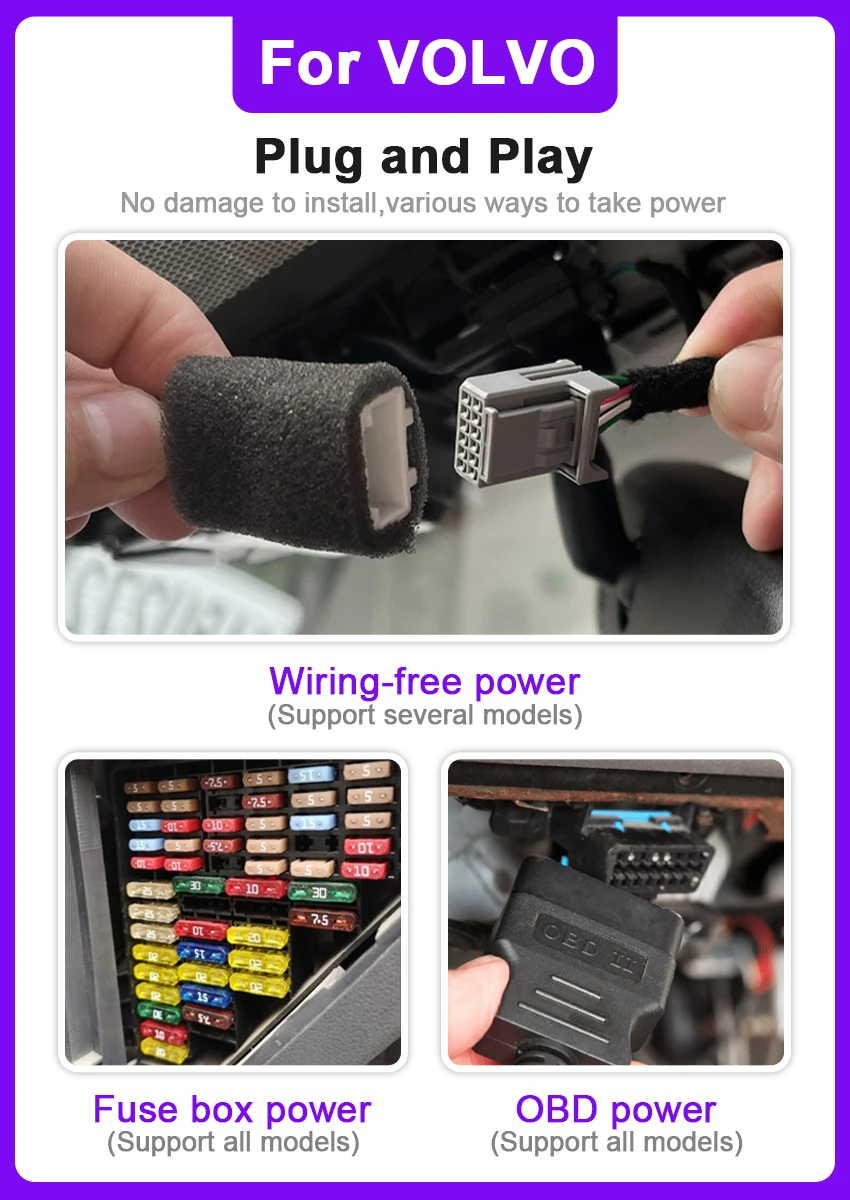
No damage to install,various ways to take power. It takes power from auto-dimming rear view mirror. The plug and play cable and the fuse box cable is sent by default, if you need to replace OBD cable, please contact us before sending.
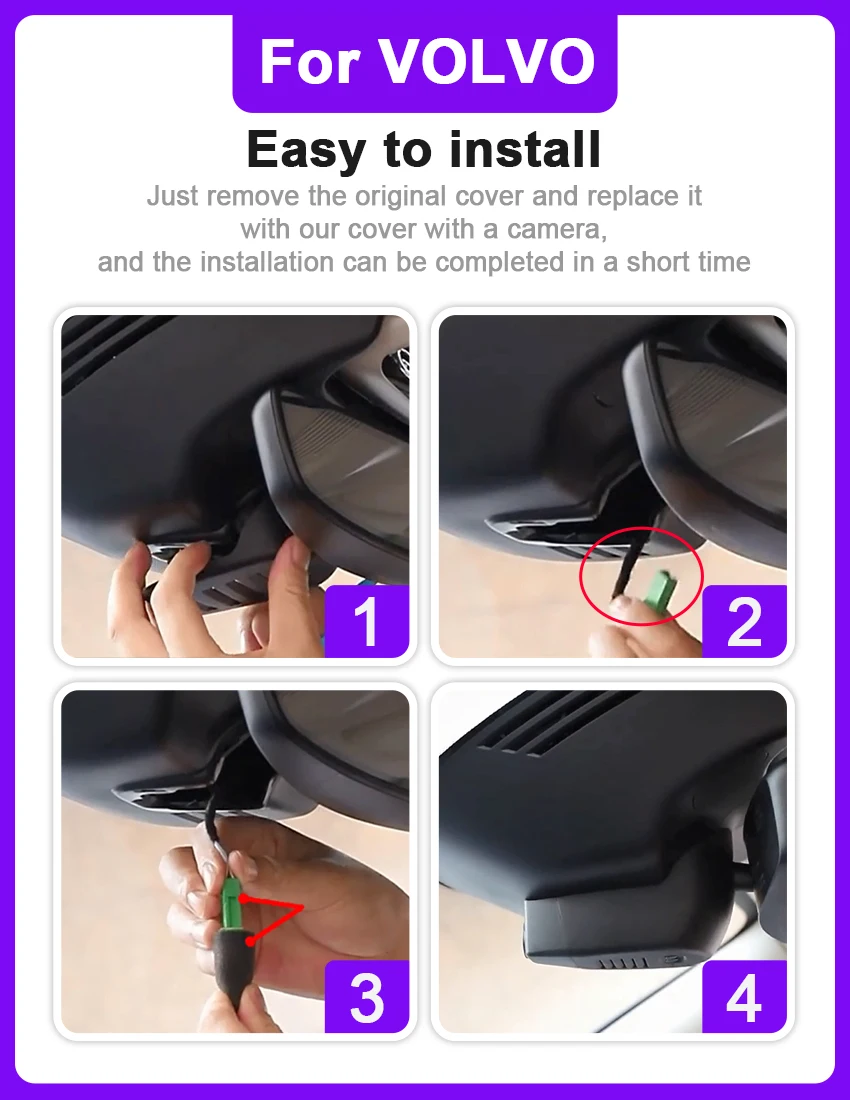
Easy to Install
Just remove the original back cover and replace it with our dashcam and it takes a short time to install.
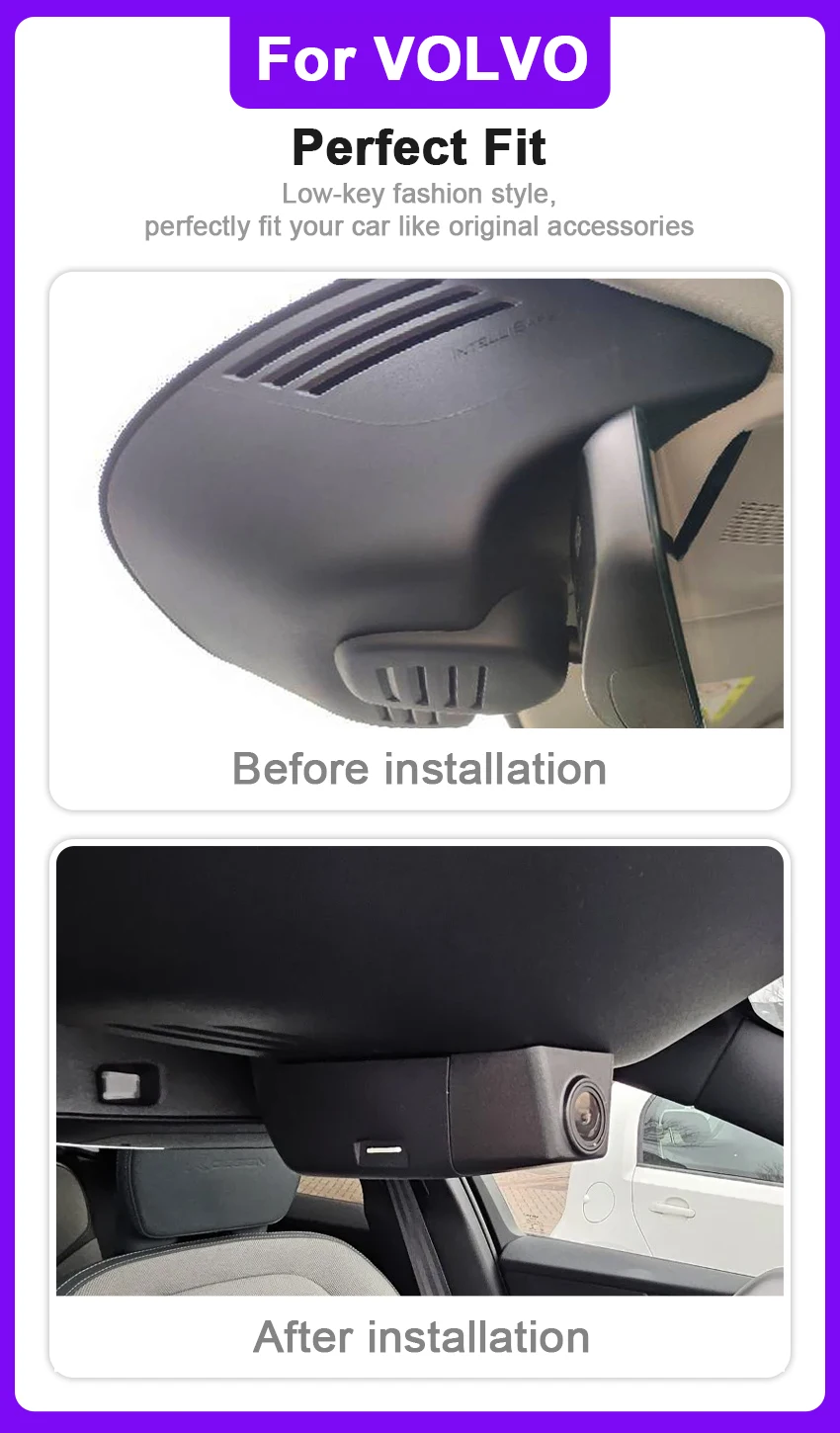
Perfect Fit
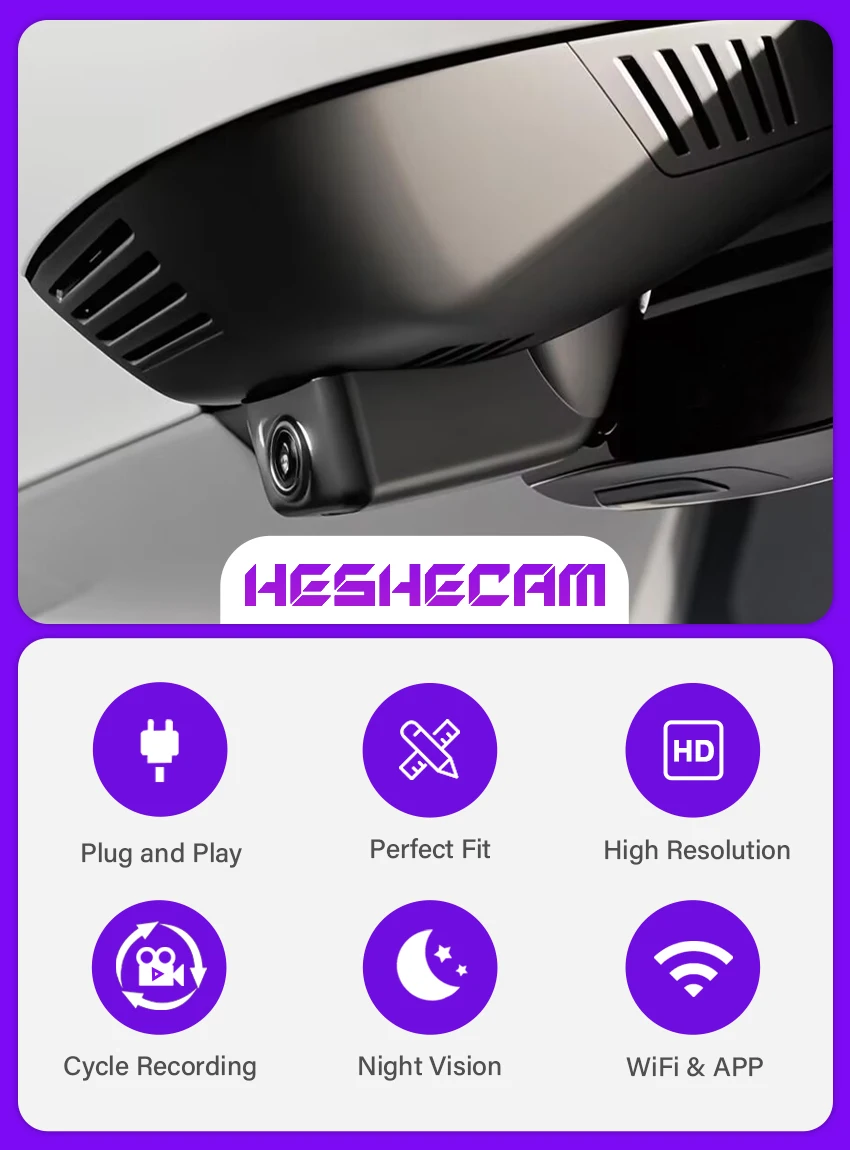
1:1 restore the shape of the original car rearview mirror cover, low-key fashion style, perfectly fit your car like the original car accessories.
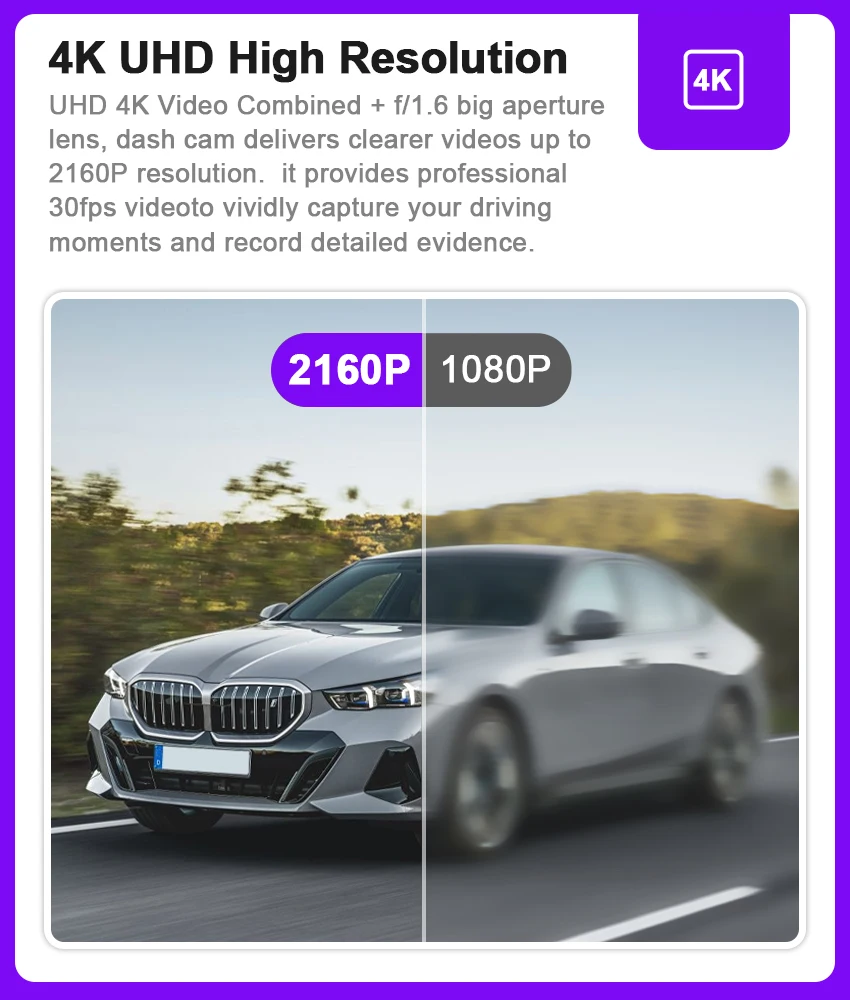
4K UHD High Resolution
UHD 4K Video Combined + f/1.6 big aperture lens, dash cam delivers clearer videos up to 2160P resolution. it provides professional 30fps videoto vividly capture your driving moments and record detailed evidence.
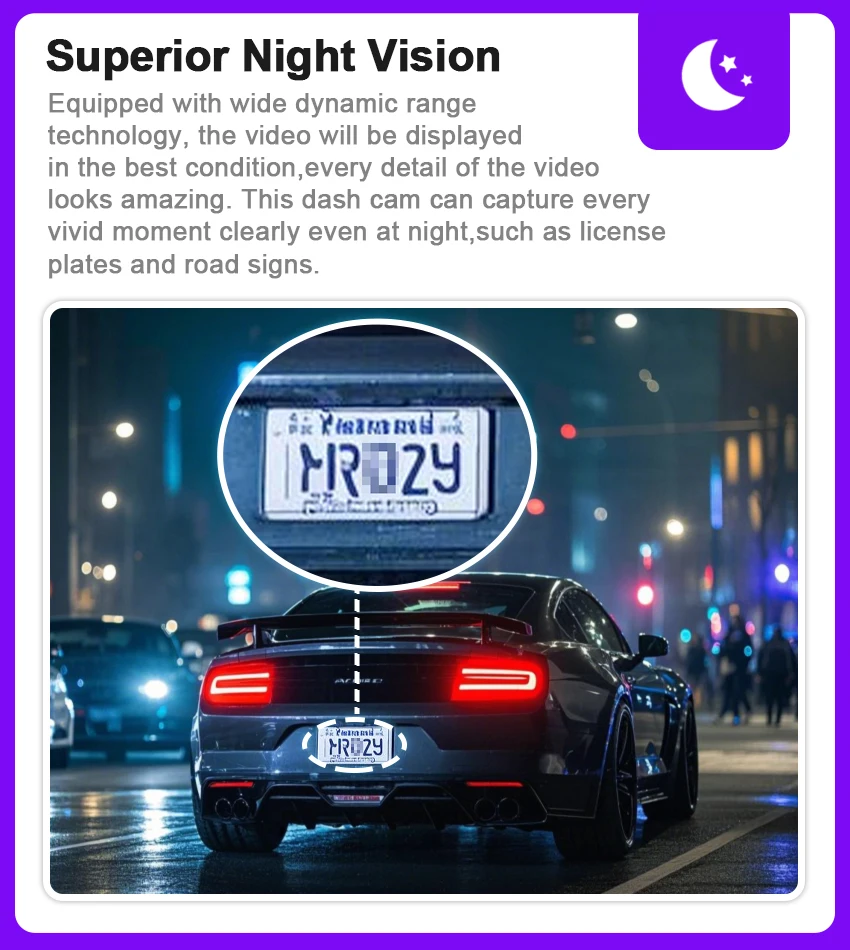
Superior Night Vision
Equipped with wide dynamic range technology, the video will be displayed in the best condition,every detail of the video looks amazing. This dash cam can capture every vivid moment clearly even at night,such as license plates and road signs.
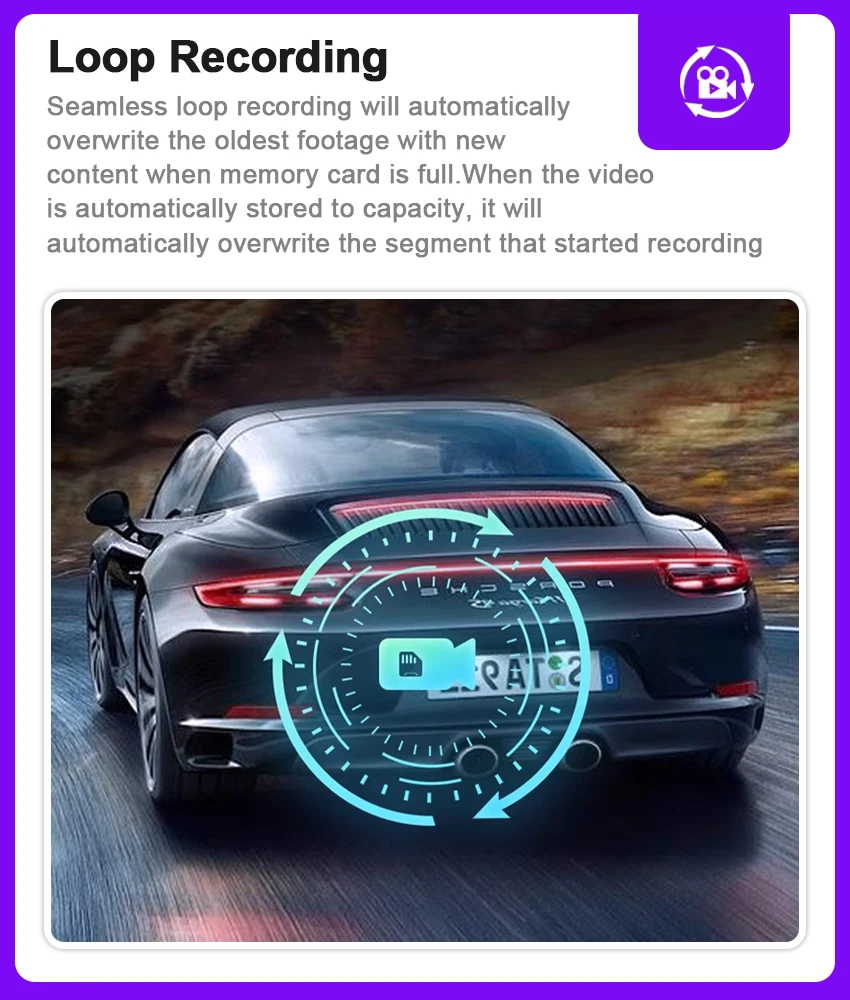
Loop Recording
Seamless loop recording will automatically overwrite the oldest footage with new content when memory card is full.When the video is automatically stored to capacity, it will automatically overwrite the segment that started recording
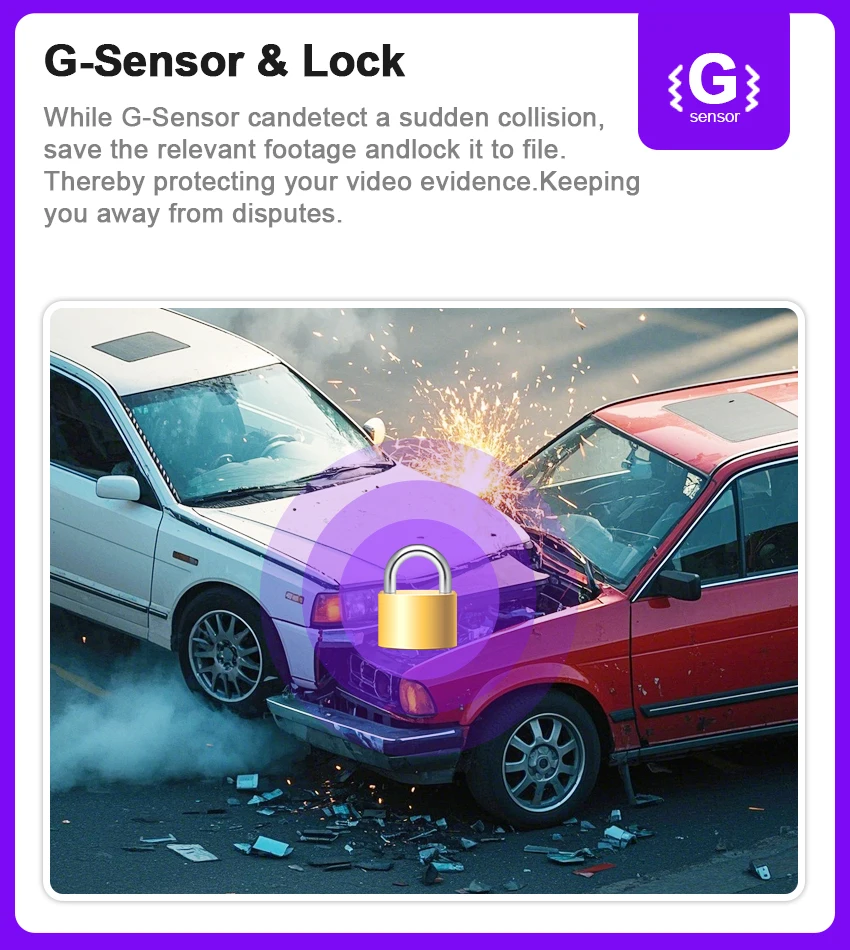
G-Sensor & Lock
While G-Sensor candetect a sudden collision,
save the relevant footage andlock it to file.
Thereby protecting your video evidence.Keeping
you away from disputes.
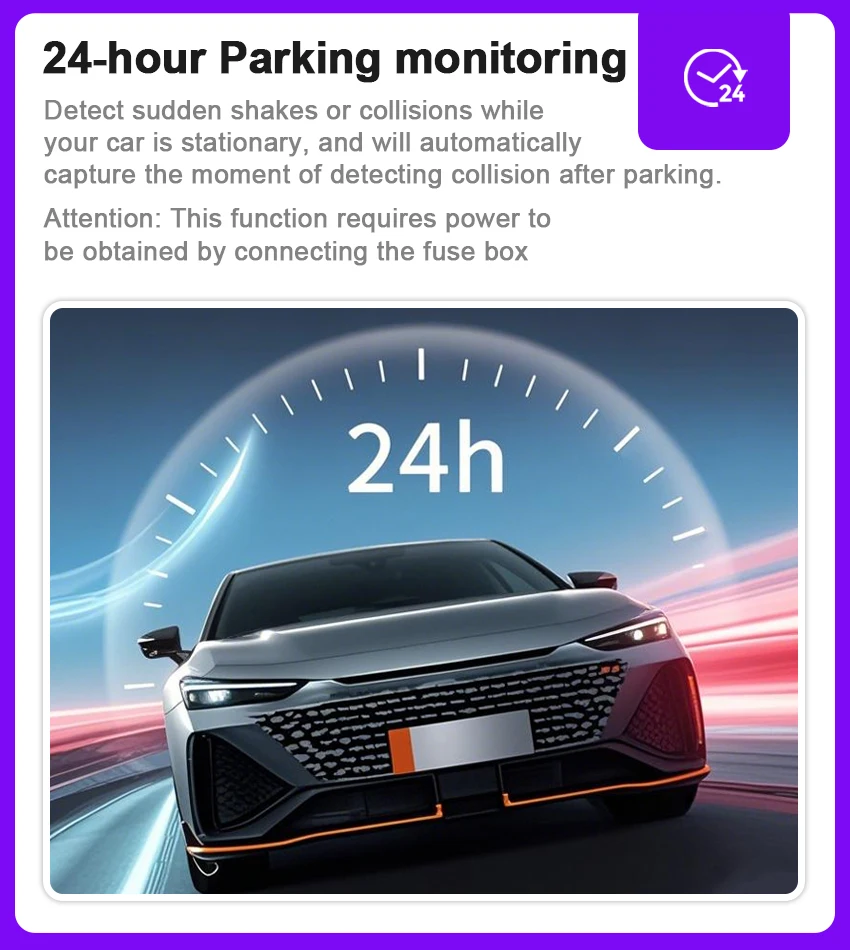
24-hour Parking monitoring
Detect sudden shakes or collisions while your car is stationary, and will automatically capture the moment of detecting collision after parking.
Attention: This function requires power to
be obtained by connecting the fuse box
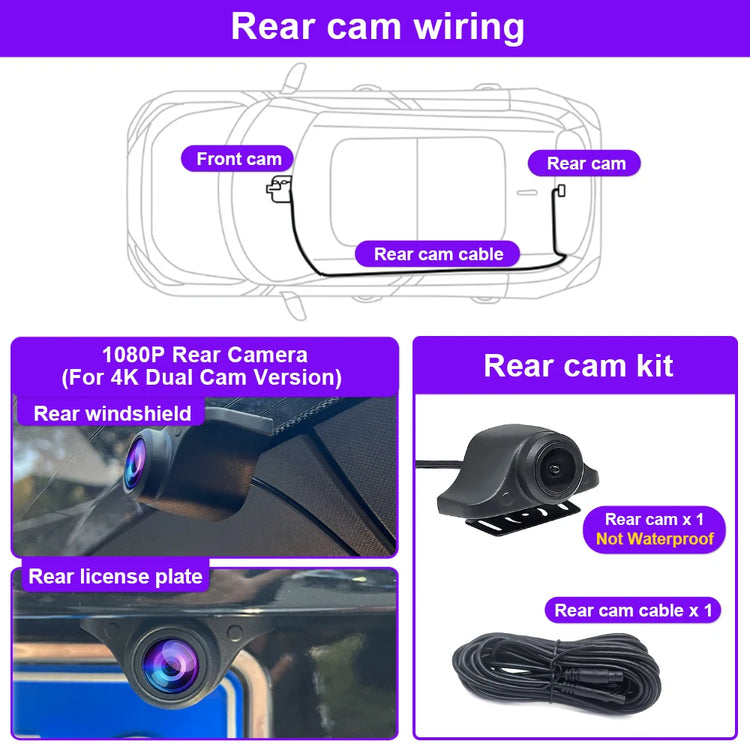
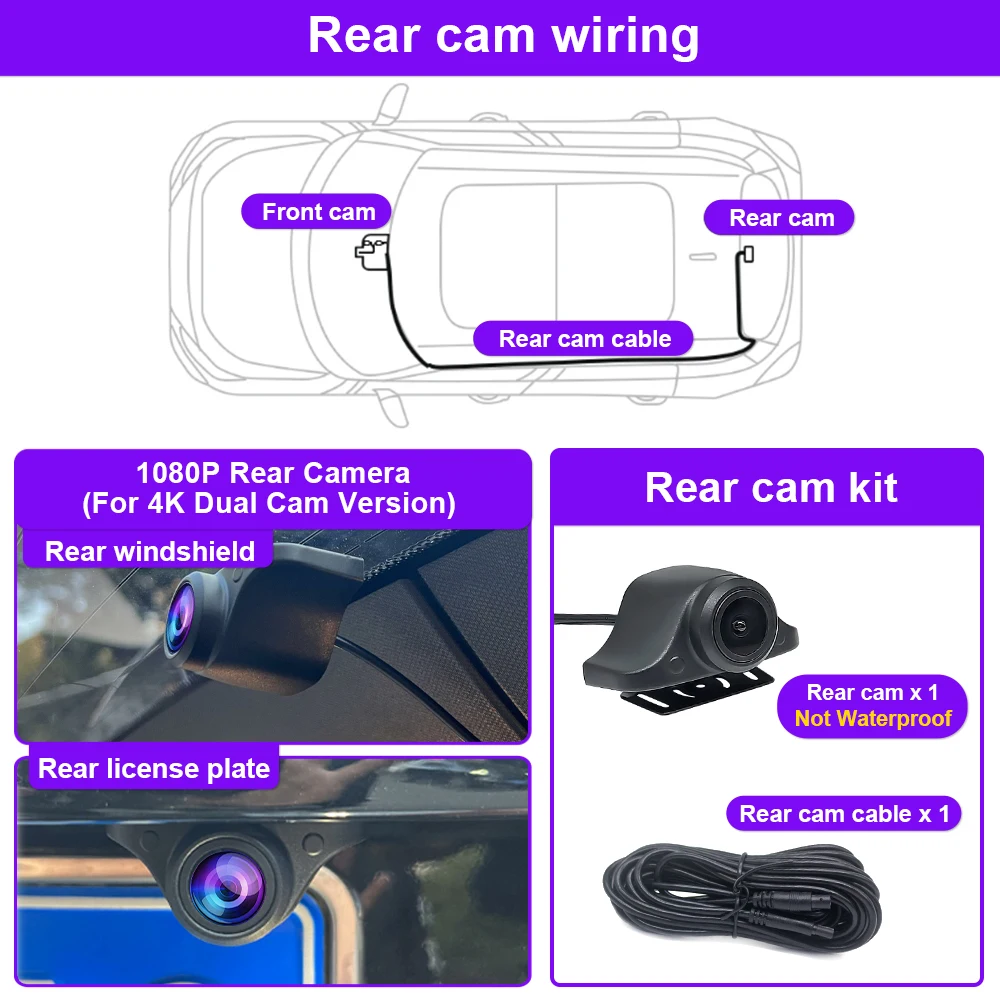
1080P Rear Camera
Warm and Important Tips
About Products:
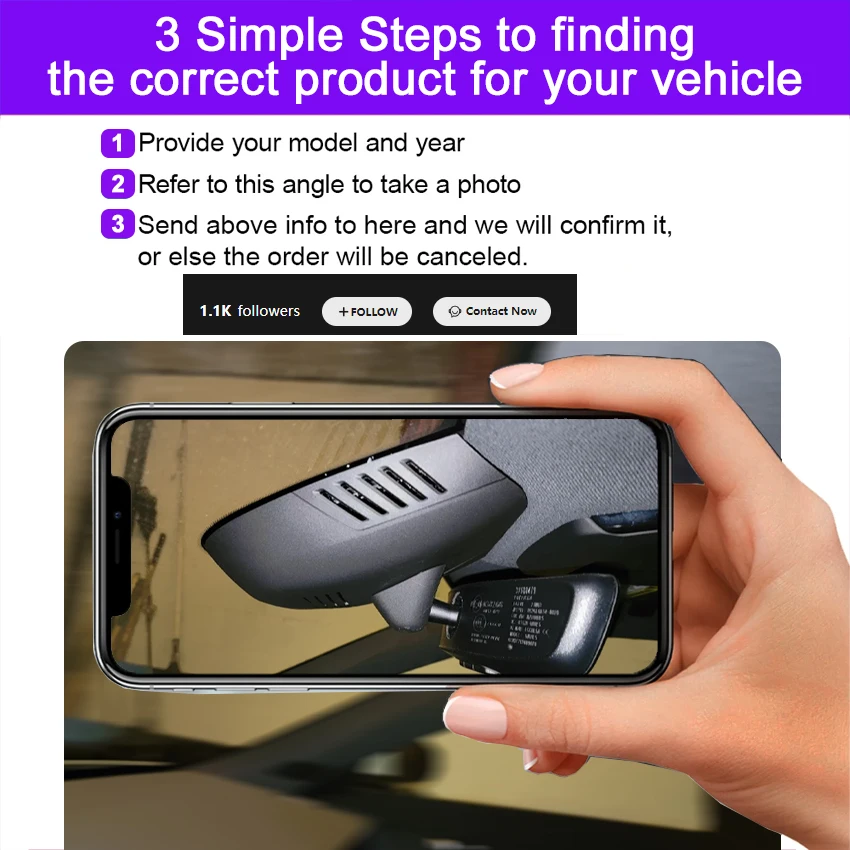
It would be great if you could tell us the model and year, plus we would also like a photo where we can see the front and side of the rear view mirror cover.
All dash cameras can use up to 128GB memory card.
If you already have our single front camera version installed, you cannot add our rear camera. If you buy the front and rear dual camera version, you can install the front camera and not the rear camera.
Each dash camera is equipped with 1 cable to connect the front camera by default, additional cables cost between US$15 and US$20, if you need them, please let us know.
All pictures are for reference only, different batches with different details, please subject to real product.
About Taxes:
The item price is not including any taxes or charges locally, if the parcel get stuck at local customs, buyer need to contact the customs and do the customs clearance. We won't bear the customs taxes or any fees caused by custom or buyer reject package.
About After-sales:
1.Our store provides a one-year product warranty. If the product has quality problems within one year, we will provide you with free replacement parts. If it is confirmed that it cannot be repaired, we can replace you with a new product for free.(Shipping costs need to be borne by the buyer)
2.For damage caused by accident, misuse or modification, if replacement parts are required, the buyer is responsible for part cost and shipping.
3.For non-quality returns, if you prefer to get a full refund, you can apply for a return within 15 days of receiving the goods, and the buyer is responsible for the return shipping.
About Delivery:
We will send the items within 5 working days after getting your payment. We do not support modifying the receipt information after payment, please check the receipt information before paying.
About Feedback:
Five-Star feedback is our expectation. We hope that you can contact us before you leave a neutral or negative feedback, so that we can help you solve the problem.
Problem 1:
App cannot save settings (default settings are restored after reboot)
Solution:
After setting the App, please press and hold the power button of the camera to turn off the camera, then press the power button briefly to turn on the camera.
Problem 2:
Why doesn't my computer play the videos? Or why is the playback video not smooth?
Solution:
1.We recommend the use of PotPlayer and KMplayer players.
2.If the computer configuration is too low, it may cause the playback to not be smooth, especially for 4K resolution videos.
Problem 3:
Why can't you connect 2 phones at the same time?
Solution:
WiFi only supports connecting one phone at the same time; if another phone needs to be connected, you must first disconnect the WiFi of the first phone.
Problem 4:
Why is the timestamp of the video wrong, or there is no recorded video during some time periods, or there is video when the phone is connected, but no video when the phone is not connected?
Solution:
Please check if the timestamp error is caused by a complete power failure of the camera. After car repair, maintenance or battery replacement, you need to reconnect the camera's WiFi with your phone to synchronize the camera's time with your phone's time. Please regularly check that the camera is working properly.
Problem 5:
What should I do if I forget the WiFi name or password?
Solution:
Press and hold the camera key for 20 seconds, or use a paperclip to press the reset button.
Problem 6:
Do I need to connect the camera WiFi and open the App every time I drive?
Solution:
No need, the camera is automatically turned on and off. The camera will automatically turn on when the car is on and turn off when the car is off.
Problem 7:
What should I do if I can't find the WiFi?
Solution:
1.First, remove the memory card and then search for WiFi, because memory card failure will cause the camera to have no WiFi.
2.Press and hold the camera button for 20 seconds, or use a paper clip to press the reset button. Restore factory settings.
3. Check whether the camera's light is always on. If there is no light, it means there is no power supply, then there will be no WiFi.
1. Collapsible tab
Share information about your brand with your customers. Describe a product, make announcements, or welcome customers to your store.
2. Collapsible tab
Share information about your brand with your customers. Describe a product, make announcements, or welcome customers to your store.
3. Collapsible tab
Share information about your brand with your customers. Describe a product, make announcements, or welcome customers to your store.
Tab collage
1. Image heading
2. Image heading
3. Image heading
4. Image heading
Pair text with an image to focus on your chosen product, collection, or blog post. Add details on availability, style, or even provide a review.
Pair text with an image to focus on your chosen product, collection, or blog post. Add details on availability, style, or even provide a review.
Pair text with an image to focus on your chosen product, collection, or blog post. Add details on availability, style, or even provide a review.
Pair text with an image to focus on your chosen product, collection, or blog post. Add details on availability, style, or even provide a review.
Testimonials
Author's nameAdd customer reviews and testimonials to showcase your store’s happy customers.
Author's nameAdd customer reviews and testimonials to showcase your store’s happy customers.
Author's nameAdd customer reviews and testimonials to showcase your store’s happy customers.
Author's nameAdd customer reviews and testimonials to showcase your store’s happy customers.
Author's nameAdd customer reviews and testimonials to showcase your store’s happy customers.